S3 CSV Backup
S3 CSV Backup
Create IAM Role for Lambda
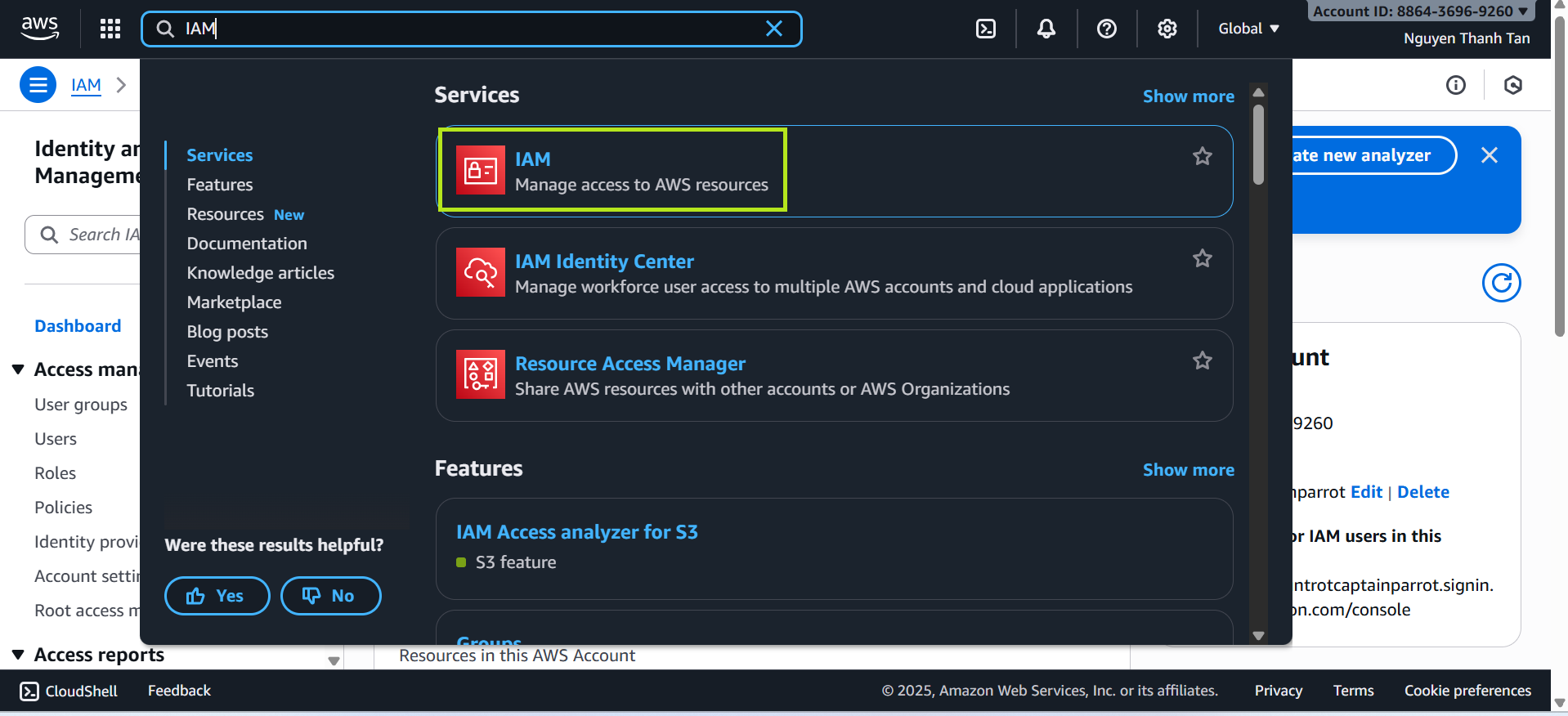
- Go to AWS Management Console → search for IAM.
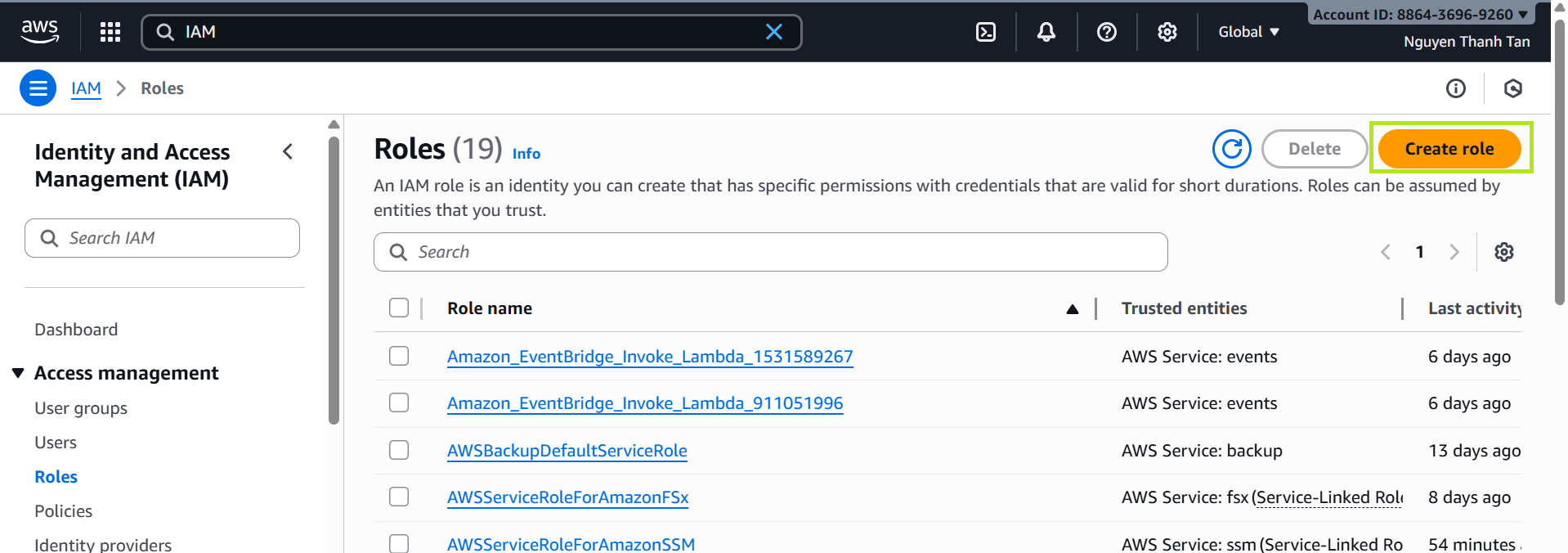
- Select Roles → Create Role.
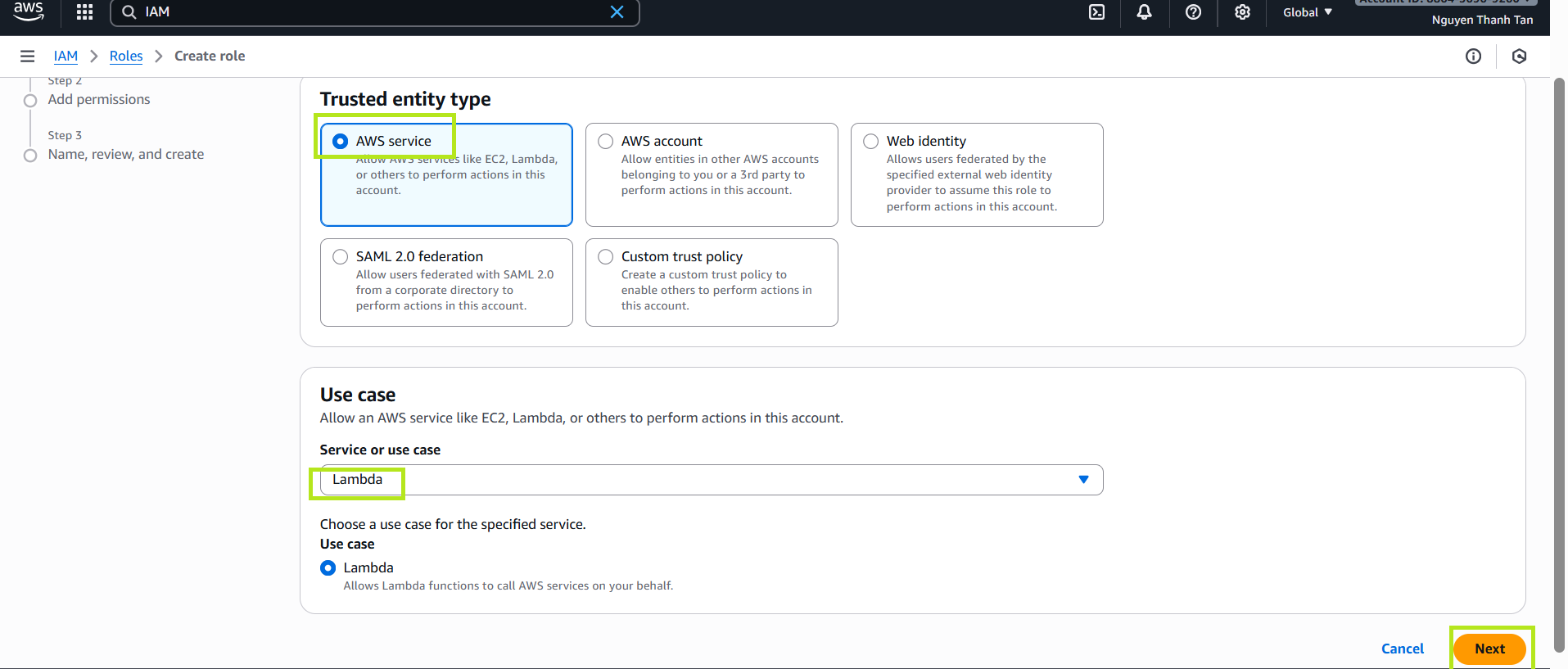
- Choose Trusted entity type: AWS service.
- Choose Use case: Lambda, then click Next.
Attach Permissions to the Role
Attach the following policies:
AmazonDynamoDBReadOnlyAccessAmazonS3FullAccessAWSLambdaBasicExecutionRole
Click Next, then name the role:
LambdaDynamoDBBackupRole.
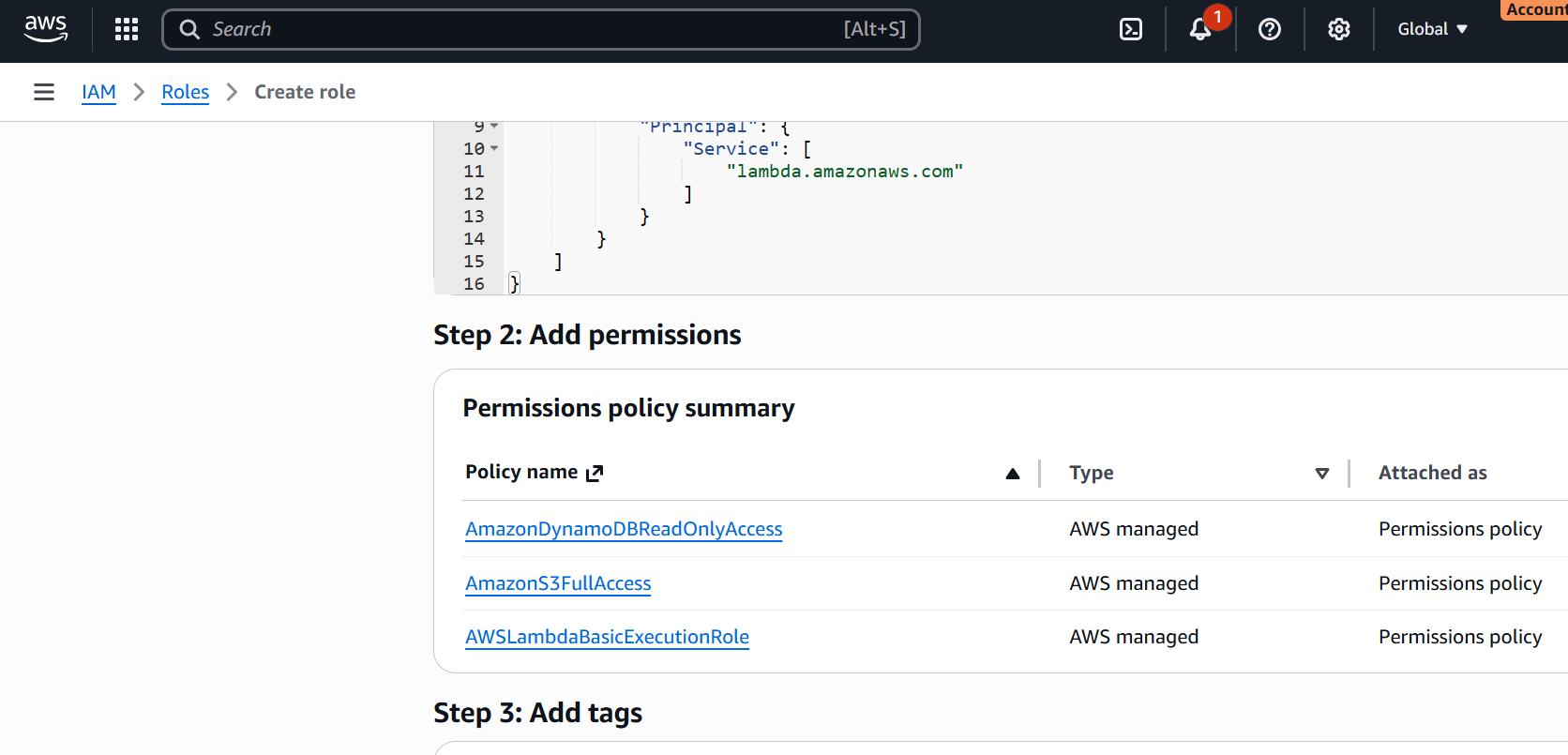
This role allows the Lambda function to scan all DynamoDB tables and store the backup as CSV files in an S3 bucket.
Create S3 Bucket
- Open the S3 service.
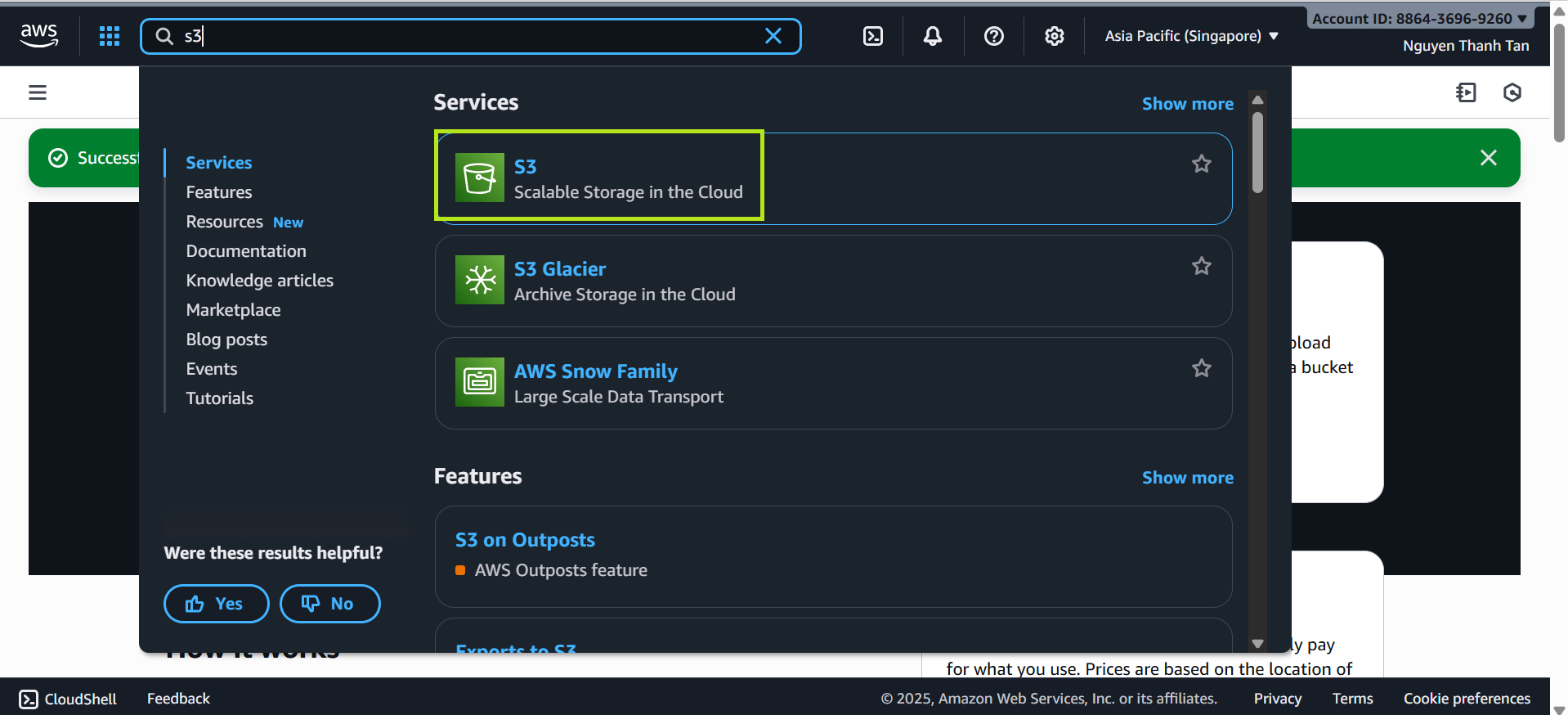
- In the S3 dashboard, click Create bucket.
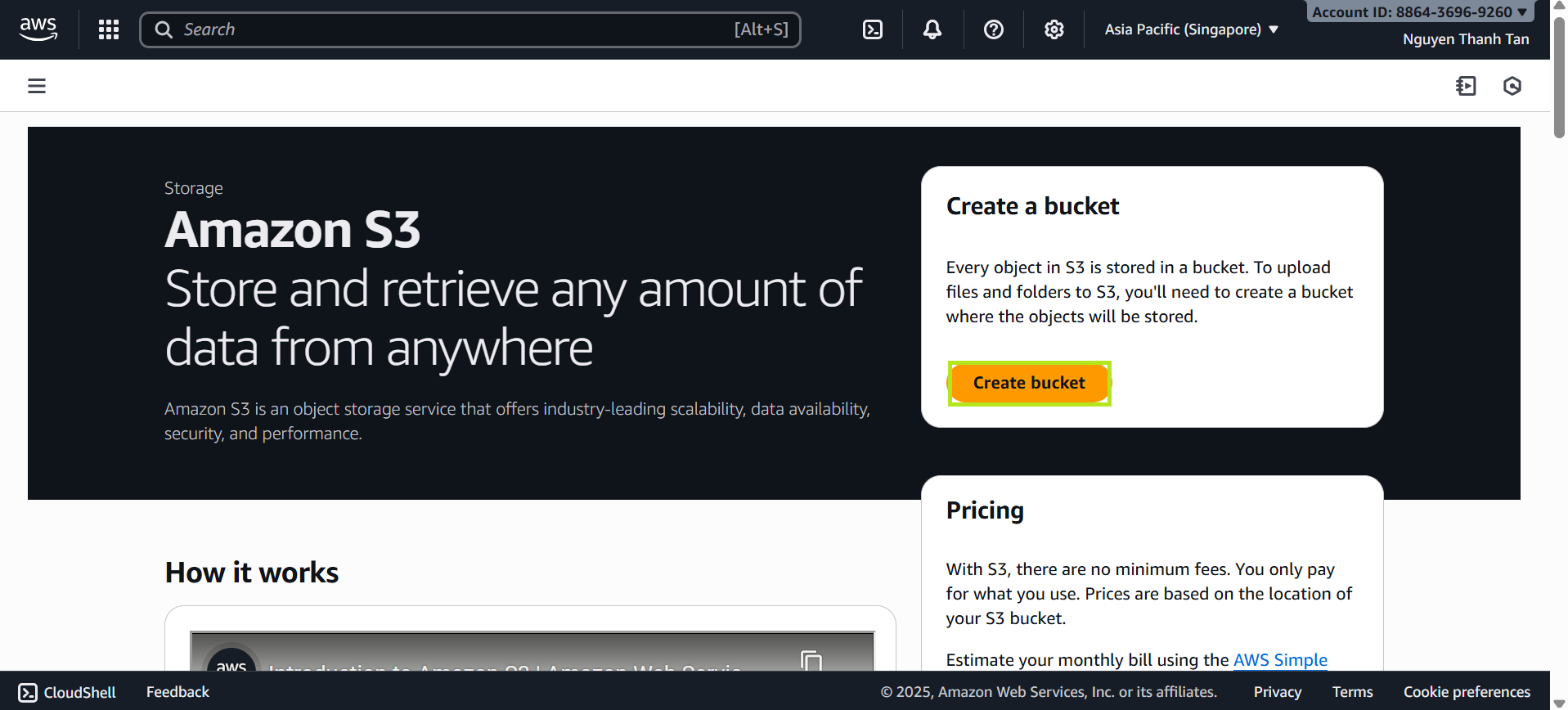
In the Create bucket screen:
Bucket name: Enter a name, for example:
flyora-bucket-backup(If the name is already taken, add a number at the end.)
Leave all other configuration settings as default.
- Review the configuration and click Create bucket to finish.
Configure Lambda Trigger for S3
- Create Lambda Function
- Go to Lambda → Create function.
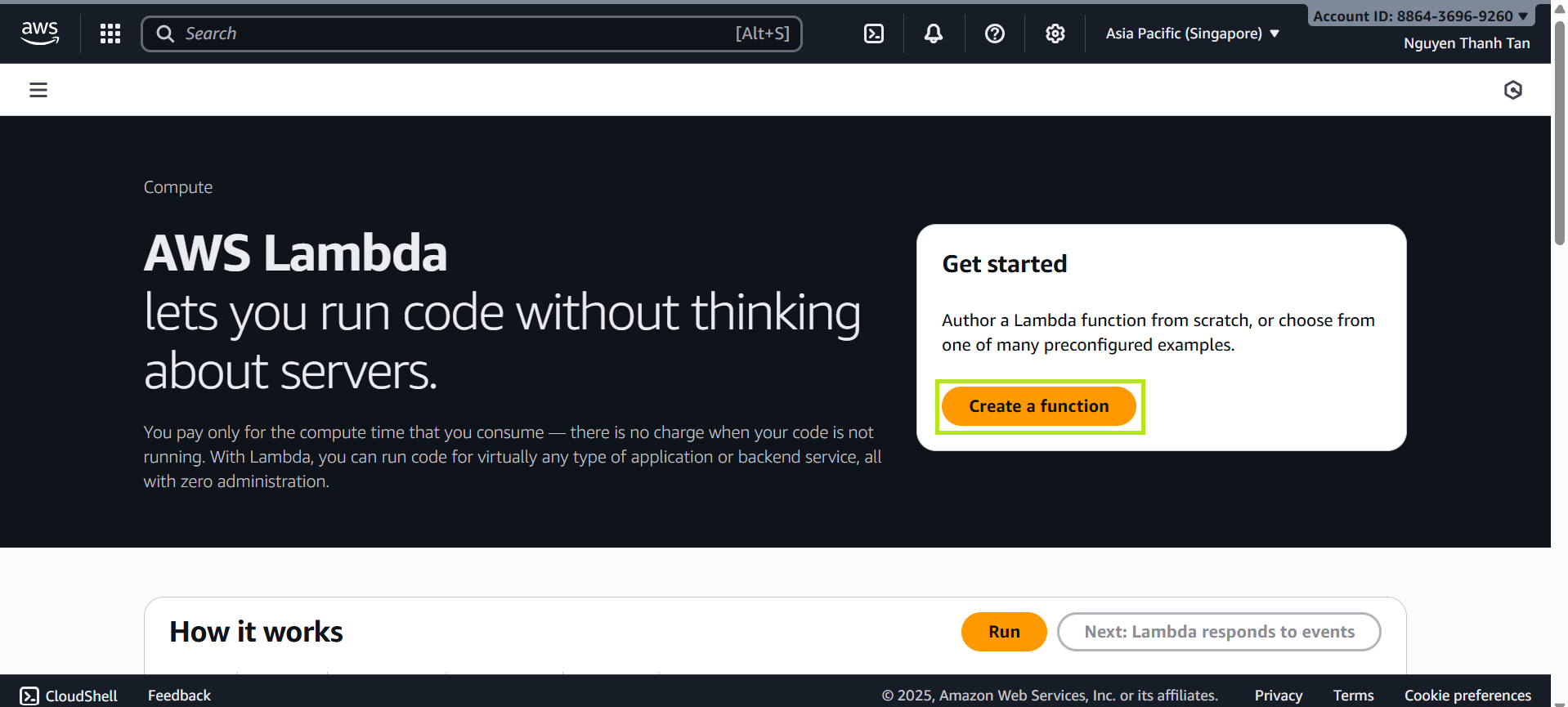
- Choose Author from scratch
- Name:
DatabaseBackupFunction - Runtime: Python 3.14
- Role: select LambdaDynamoDBBackupRole created earlier
- Go to Configuration → Environment variables
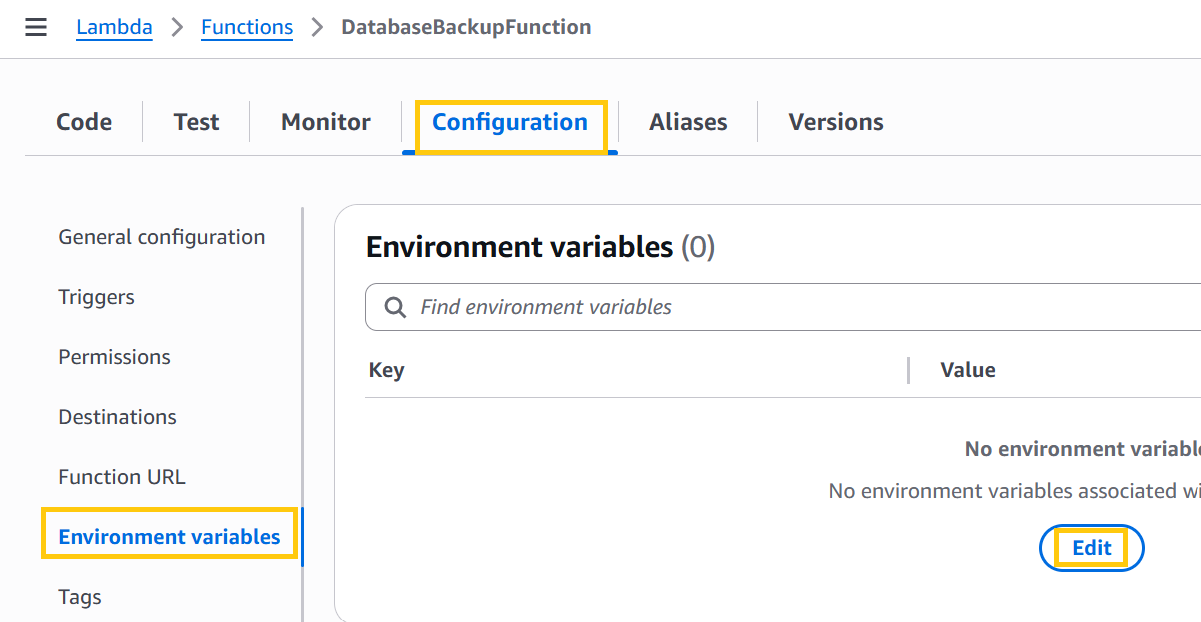
- Click Edit
- Add environment variable:
- Key:
BUCKET_NAME - Value:
flyora-bucket-backup
- Key:
- Click Save
Code
import boto3 import csv import io import os from datetime import datetime from boto3.dynamodb.conditions import Key s3 = boto3.client('s3') dynamodb = boto3.resource('dynamodb') def scan_all(table): """Scan toàn bộ bảng DynamoDB, xử lý paging.""" items = [] response = table.scan() items.extend(response.get('Items', [])) while 'LastEvaluatedKey' in response: response = table.scan(ExclusiveStartKey=response['LastEvaluatedKey']) items.extend(response.get('Items', [])) return items def lambda_handler(event, context): bucket = os.environ["BUCKET_NAME"] tables = [t.strip() for t in os.environ["TABLE_LIST"].split(",")] timestamp = datetime.utcnow().strftime("%Y-%m-%d-%H-%M-%S") for table_name in tables: try: table = dynamodb.Table(table_name) data = scan_all(table) if not data: print(f"Table {table_name} EMPTY → skip") continue # Lấy danh sách tất cả fields all_keys = sorted({key for item in data for key in item.keys()}) # Convert to CSV csv_buffer = io.StringIO() writer = csv.DictWriter(csv_buffer, fieldnames=all_keys) writer.writeheader() for item in data: writer.writerow({k: item.get(k, "") for k in all_keys}) key = f"dynamo_backup/{table_name}/{table_name}_{timestamp}.csv" s3.put_object( Bucket=bucket, Key=key, Body=csv_buffer.getvalue().encode("utf-8") ) print(f"Backup xong bảng {table_name} → {key}") except Exception as e: print(f"Lỗi khi backup bảng {table_name}: {e}") return { "status": "completed", "tables": tables }- Click Deploy in the Lambda console.
- Configure Automatic Schedule
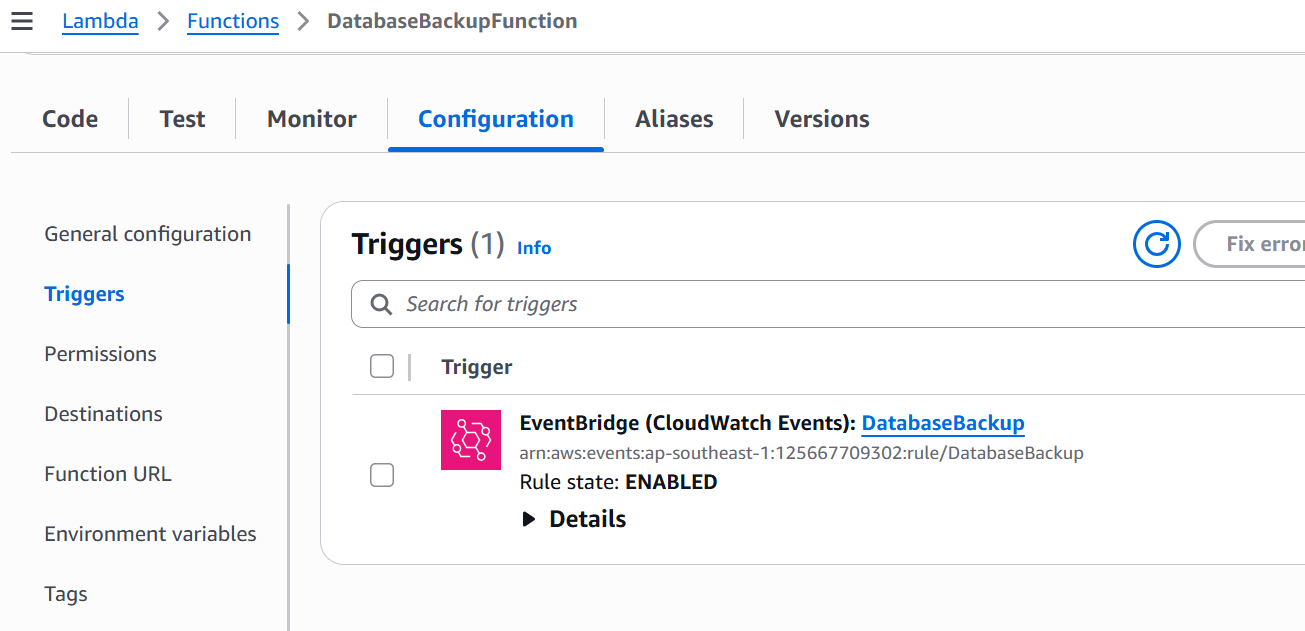
Go to Lambda → Triggers → Add Trigger → EventBridge (Schedule)
Rule name:
DatabaseBackupRule description:
AutoBackup in 4 daysRule type: Schedule expression
Schedule expression:
rate(4 days)