Create VPC & Configure Security Groups for RDS and Lambda
Create VPC & Configure Security Groups for RDS and Lambda
Implementation Steps
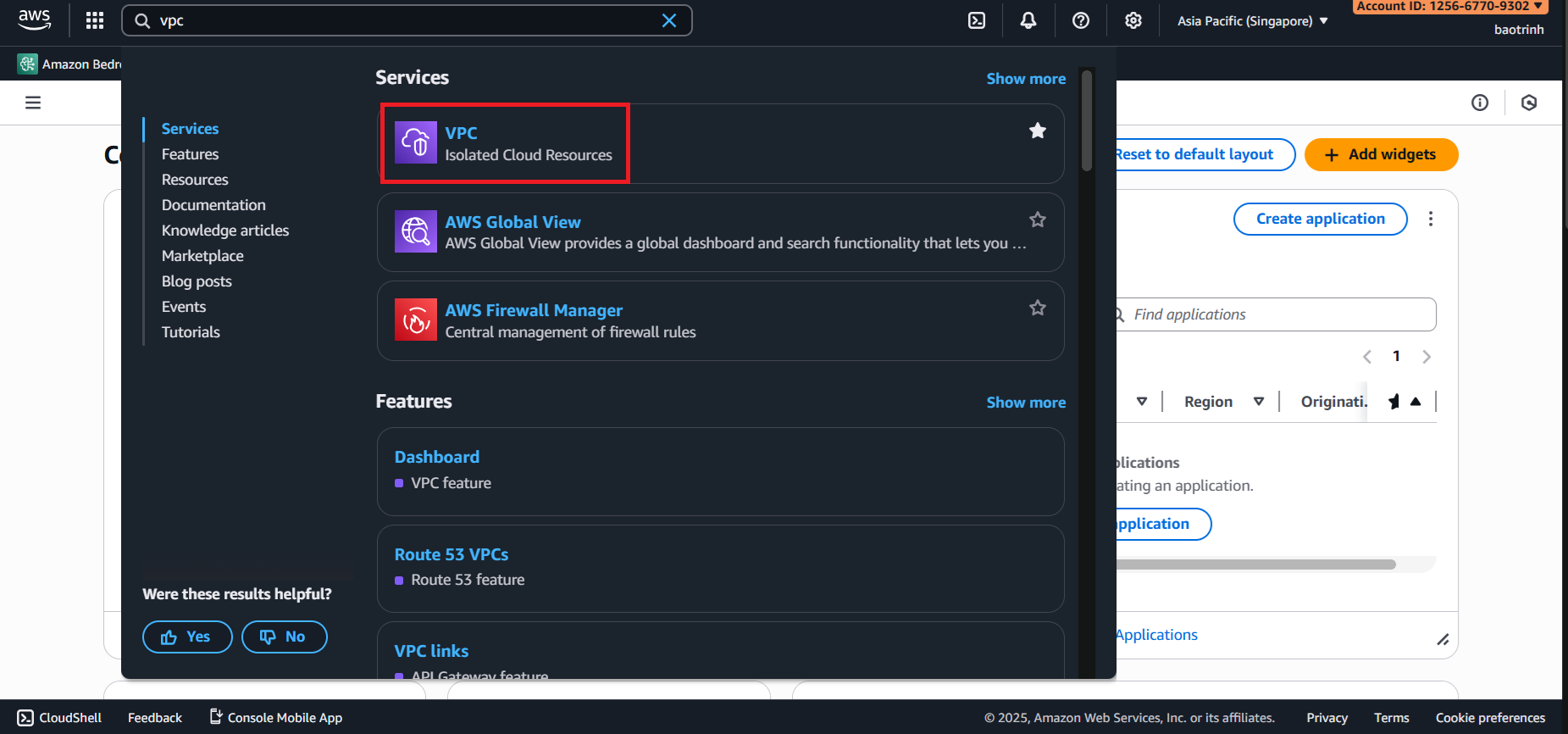
1. Access the VPC service
Go to AWS Management Console → search for VPC.
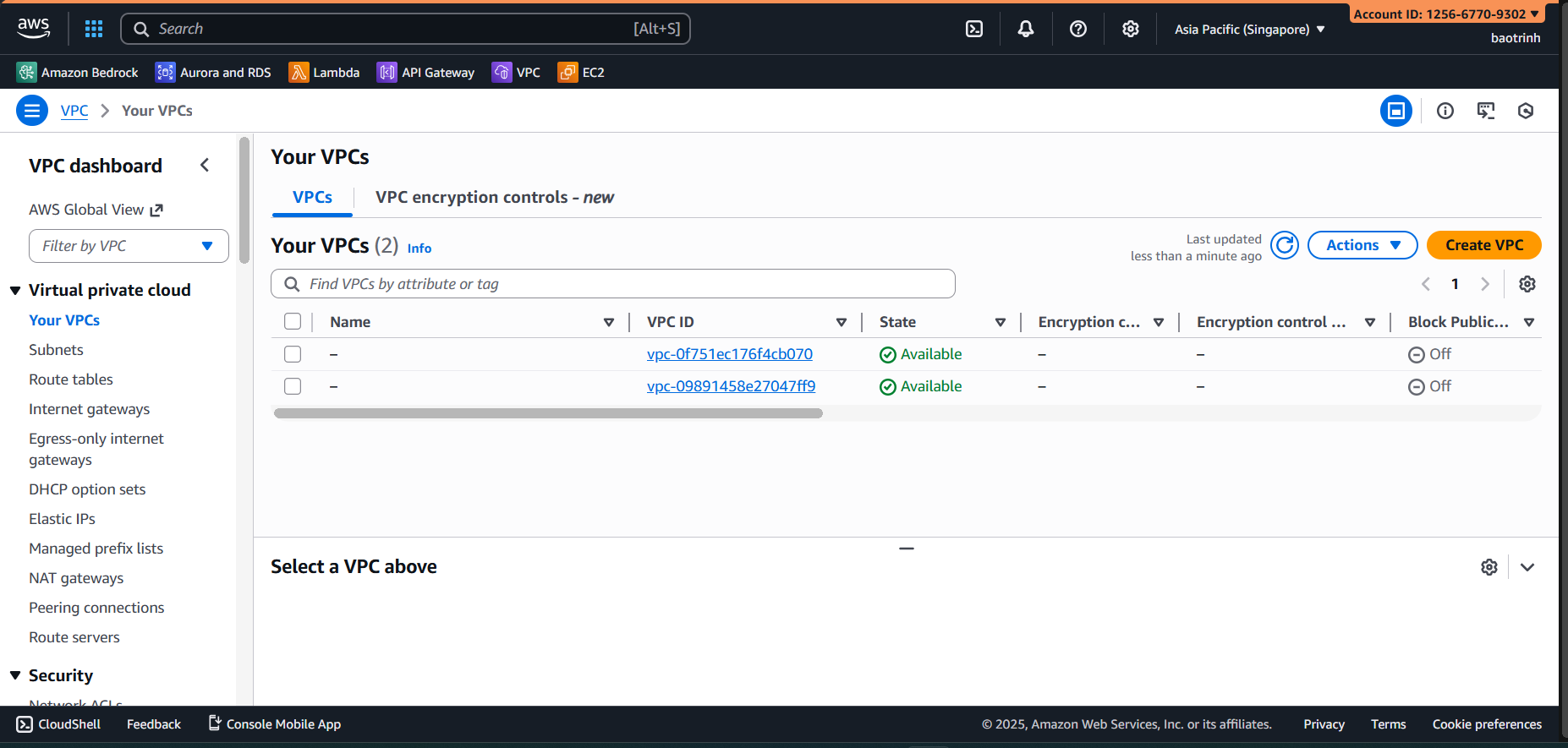
- Select Your VPCs → Create VPC.
- Select VPC and more and name the project.
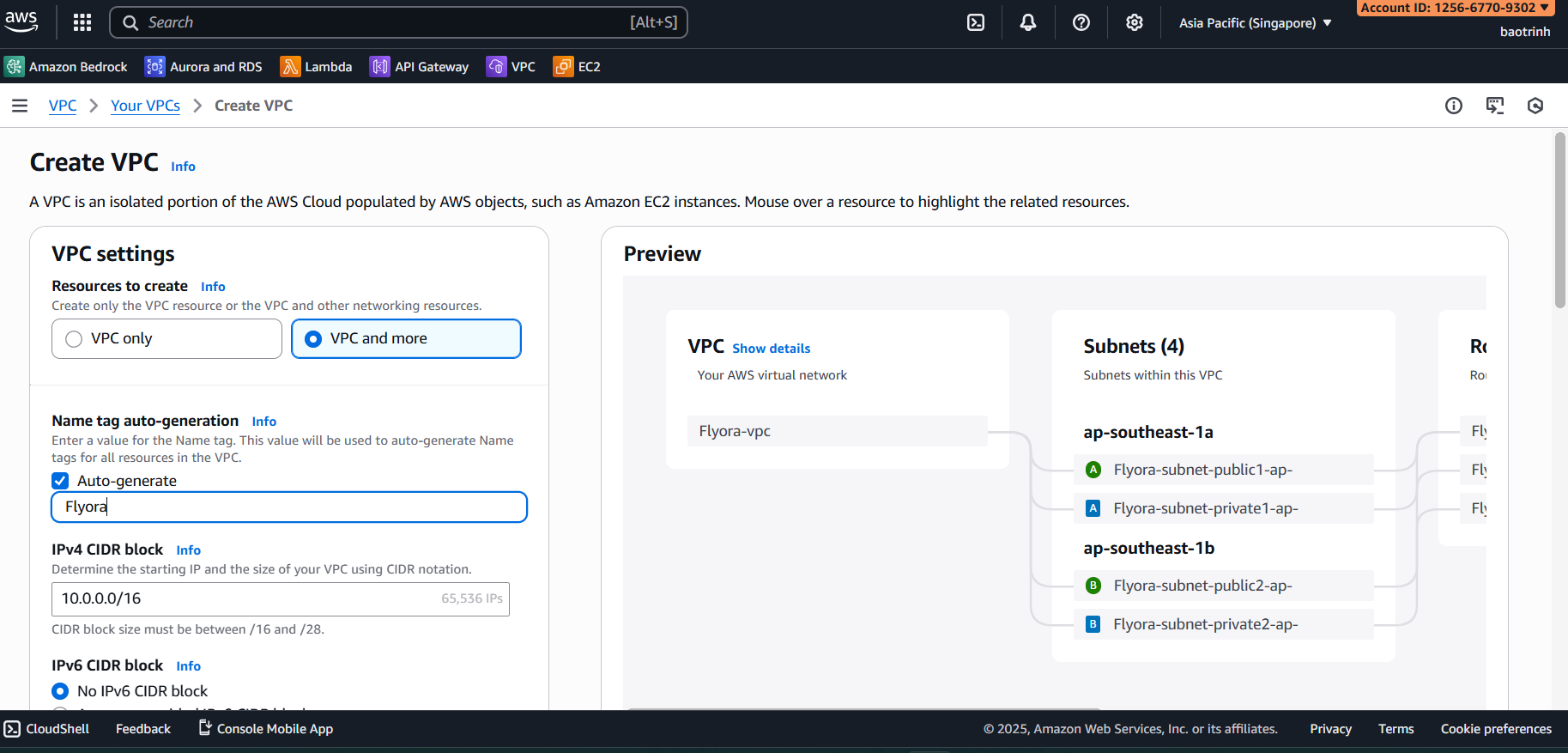
- In the VPC configuration section: for Number of Availability Zones select 1, for Number of public subnets select 1, for Number of private subnets select 2, and for NAT gateways select Zonal.
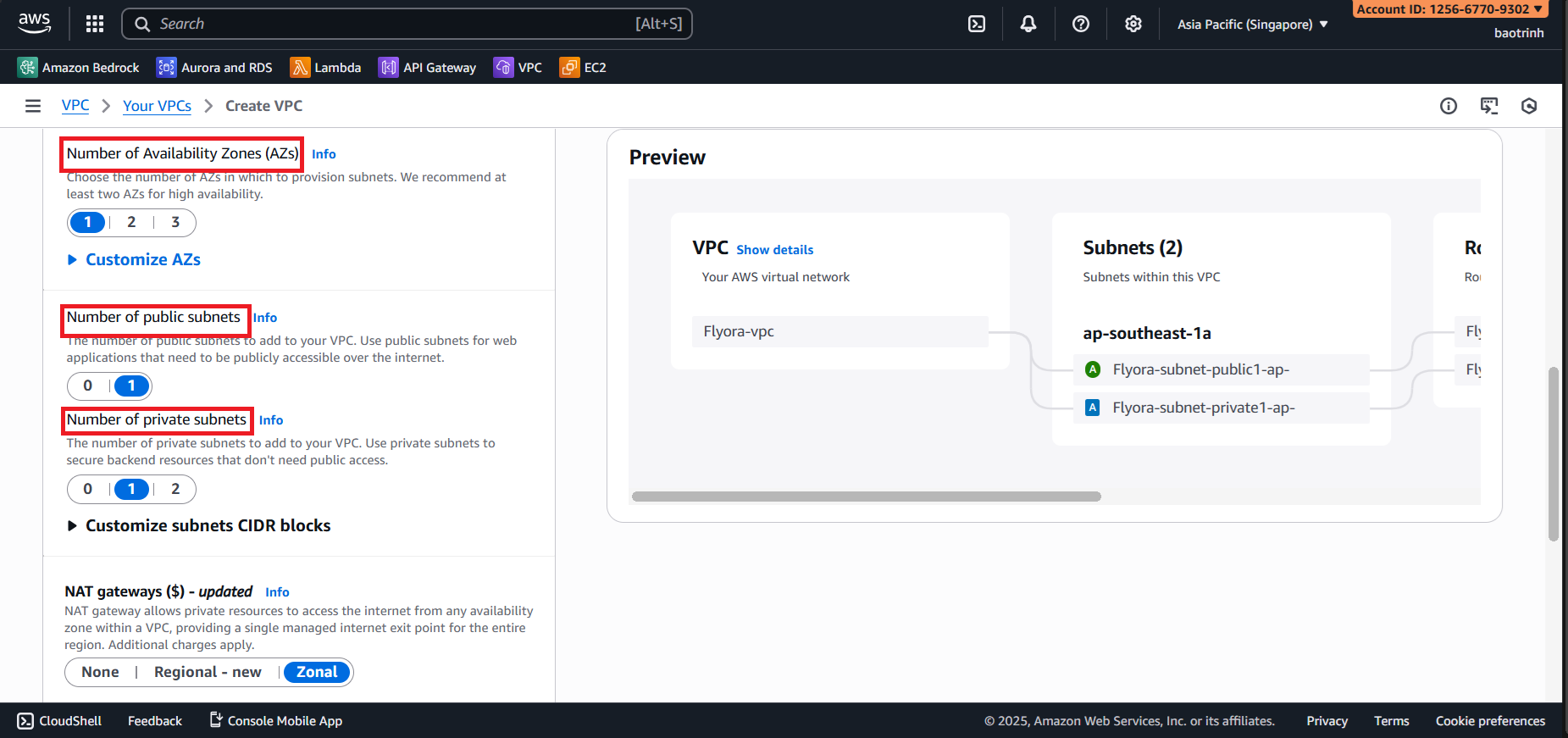
NAT gateways choose In 1 AZ, VPC endpoints choose None → Create VPC.
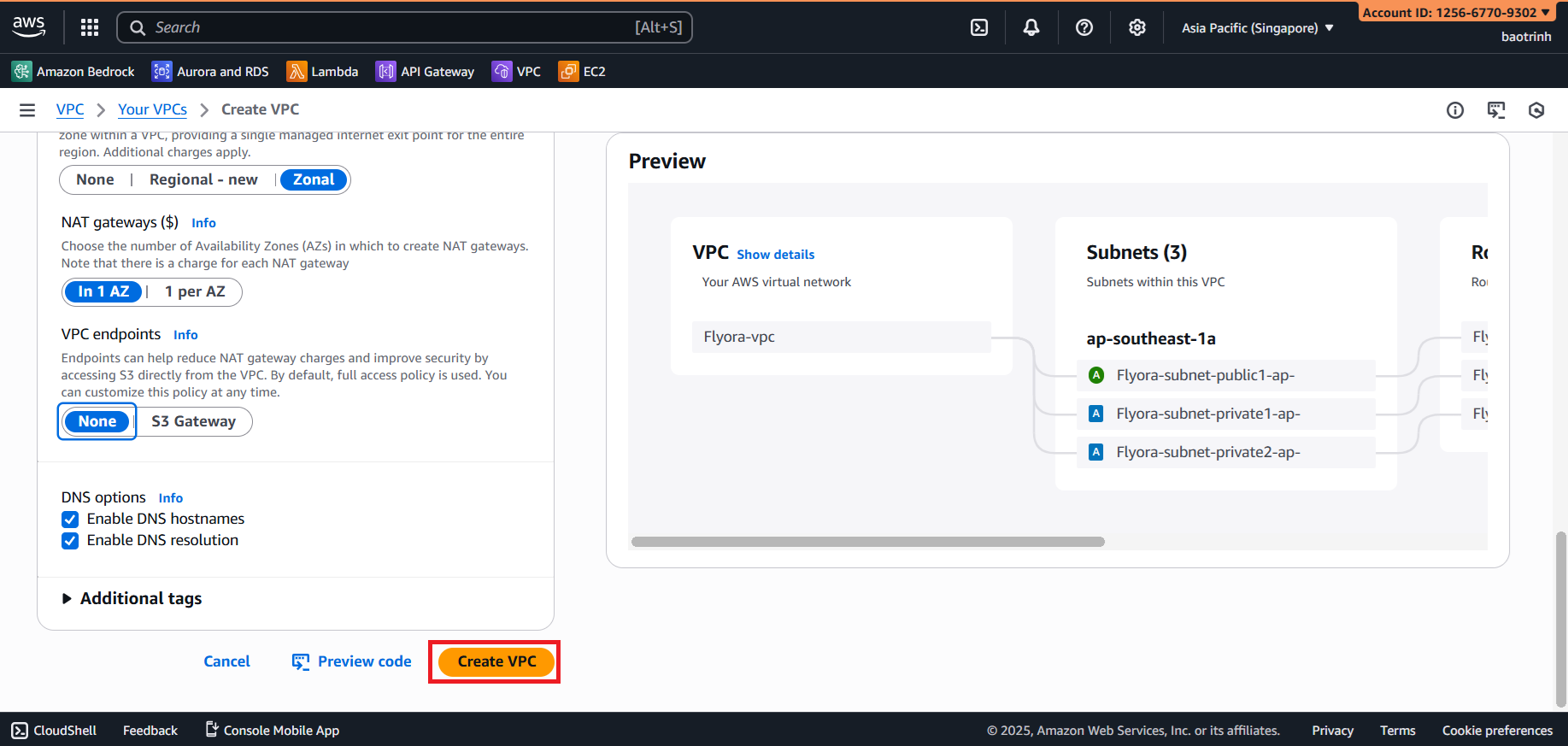
This process will take a few minutes to create the NAT gateway.
- After creation is complete, we can view how ‘VPC and more’ created the resources via the Resource map.
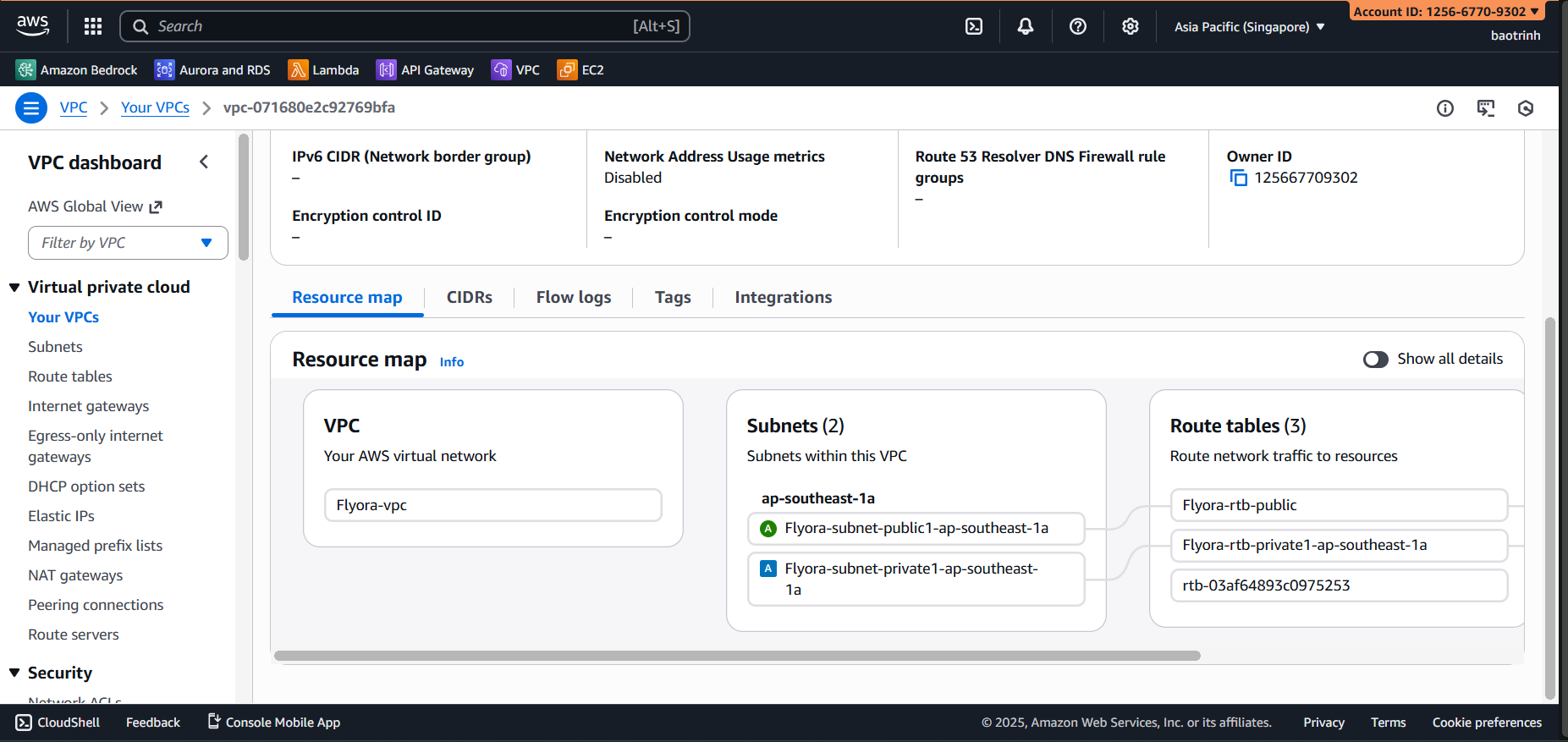
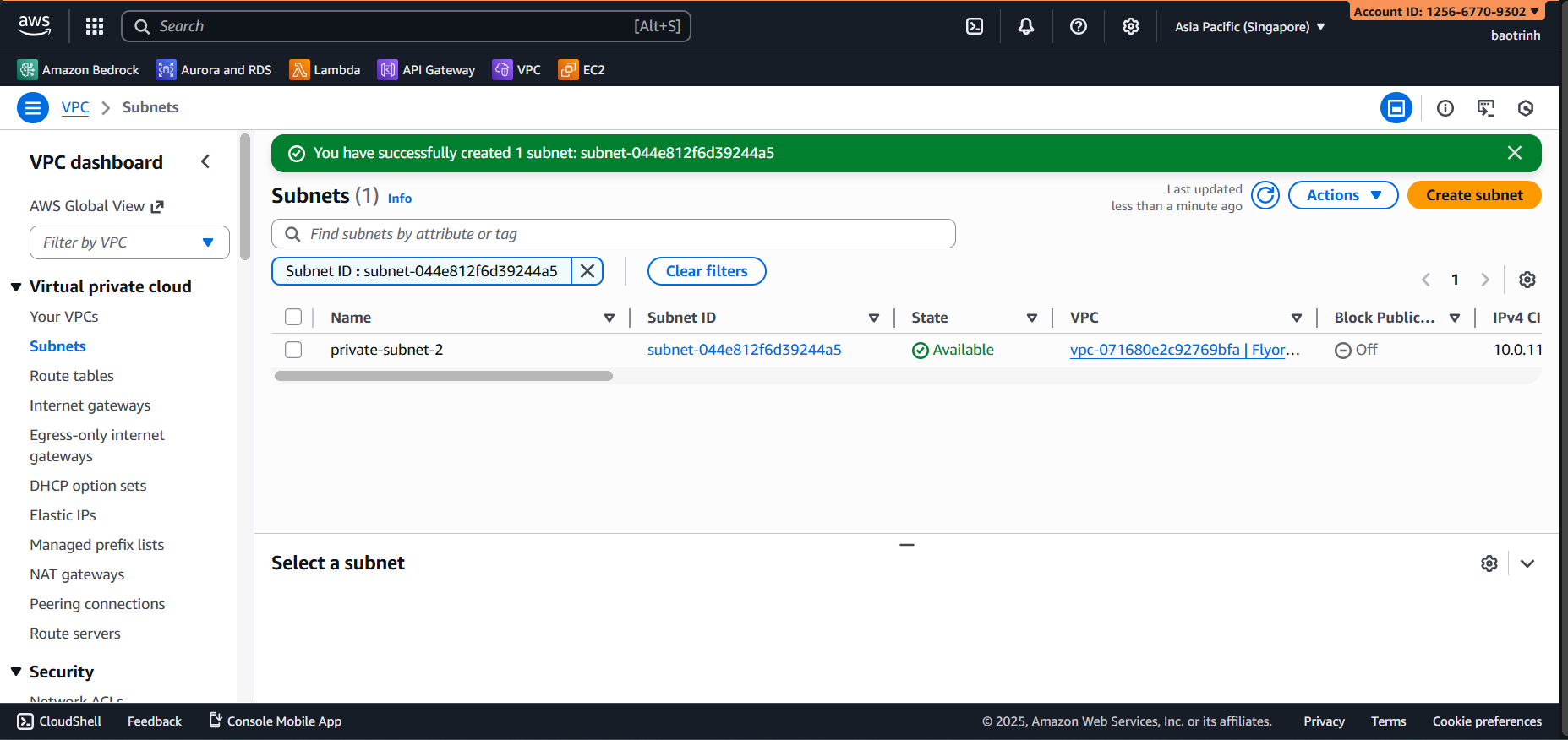
- We will create an additional private subnet located in a different AZ to be able to create the RDS instance.
2. Set up Security Groups
We will create 2 separate Security Groups (SG) for maximum security.
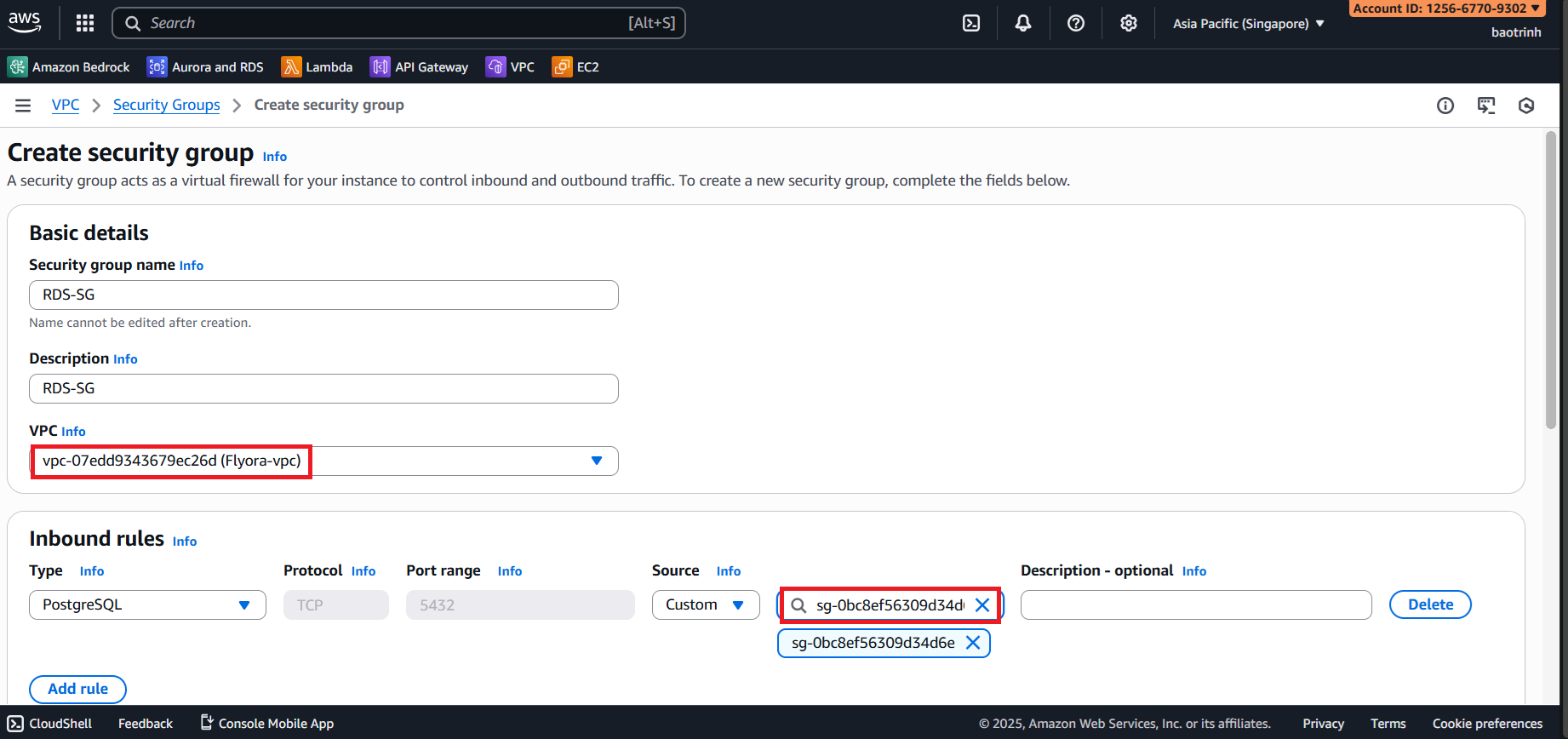
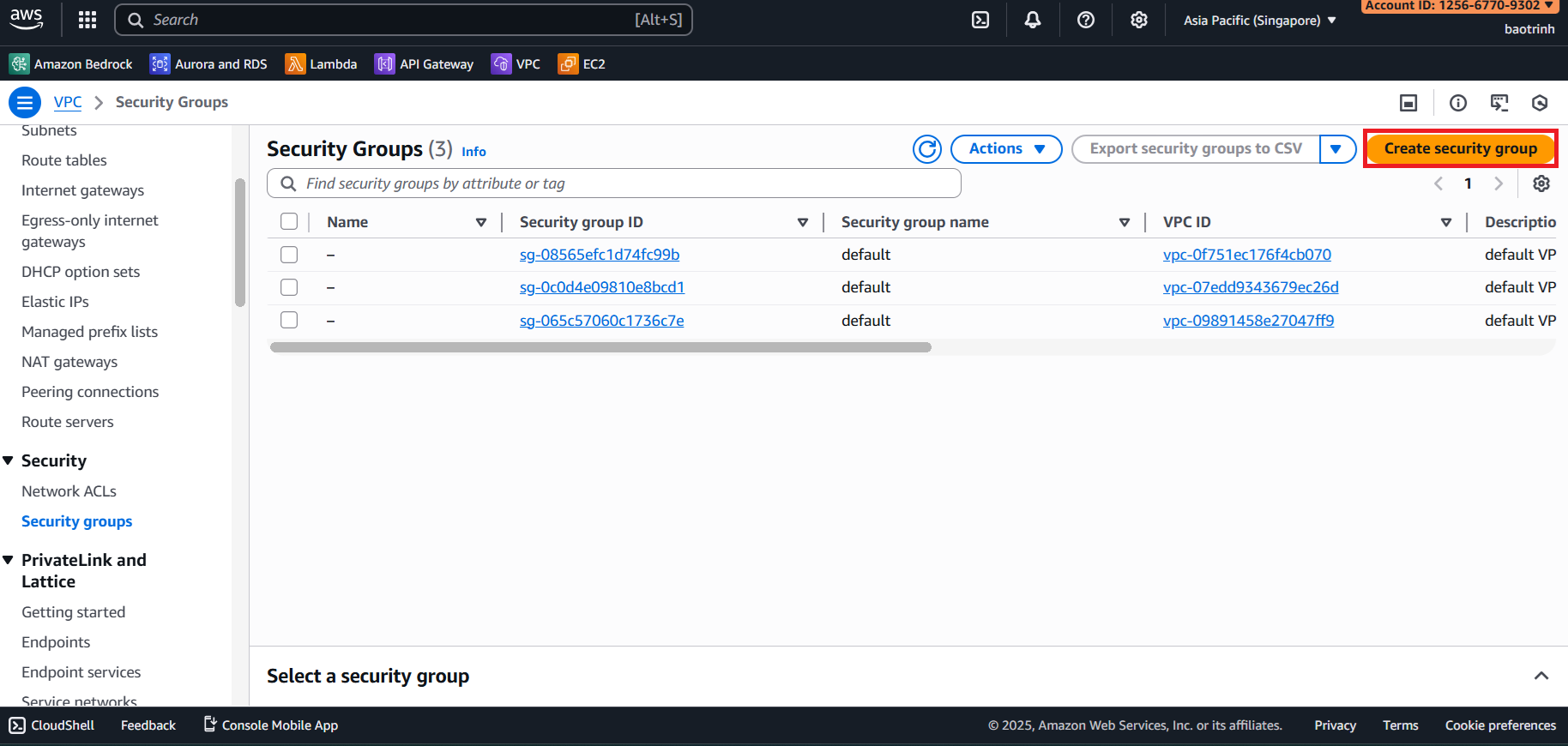
Go to Security Groups, click Create security group. We will create 2 security groups for Lambda and RDS.
- Name the security group and select the VPC we created in step 1, then click create.
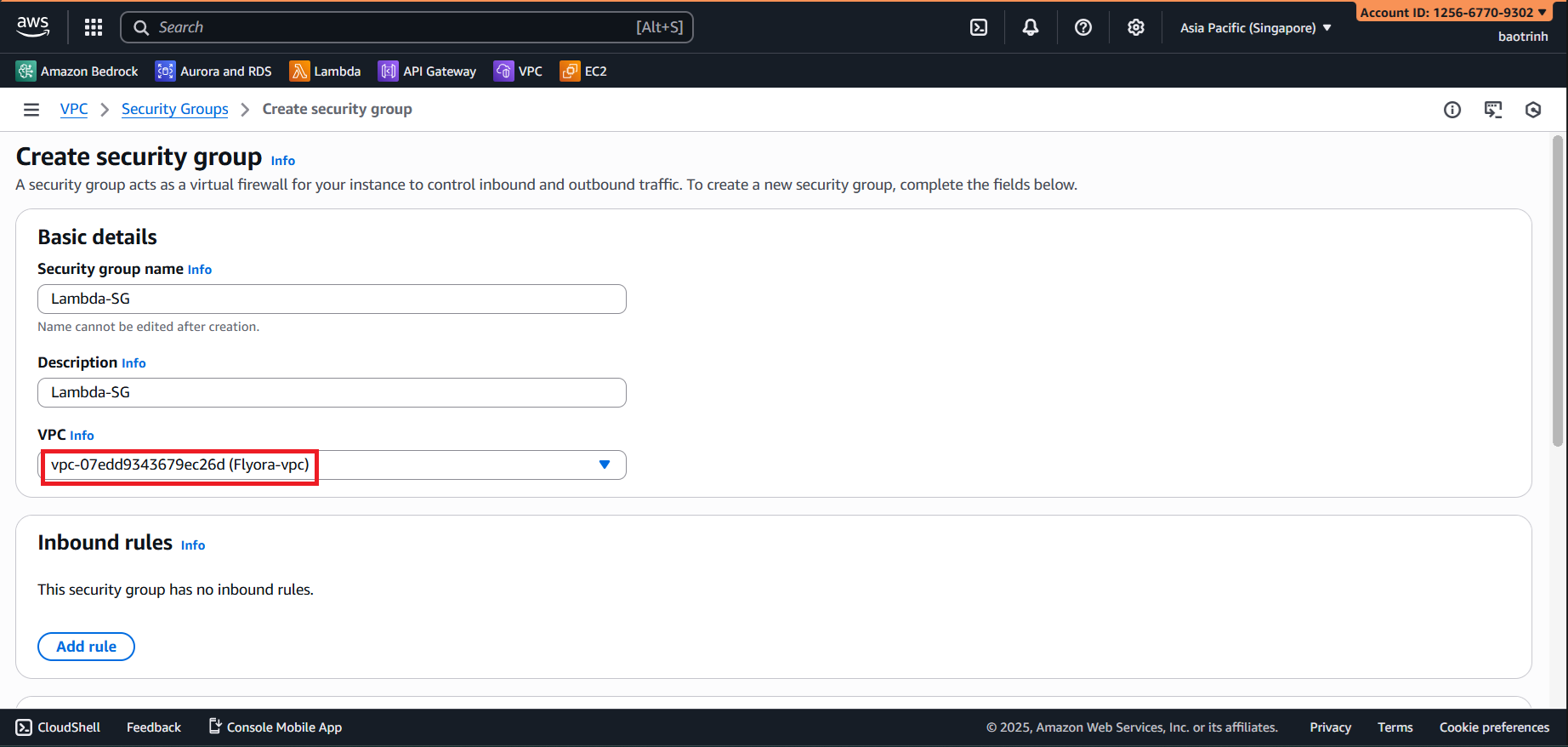
- Continue creating the SG for RDS, select the VPC from step 1. In the inbound rules section, for type select PostgreSQL, and for Source select the SG created for Lambda.